
Your team, your approvals, your results. One login.
What is the NLC client portal?
The NLC client portal is where Next Level Communities clients run their engagement: see project progress, answer what the team needs, approve designs and proposals, message the people doing the work, download the brand kit, and check website health and monthly reports for every community. It comes with every engagement and is live today.
Needs your attention
All communities
- Approve the homepage designThe Cascade at MidtownApproval
- Upload the new pool photosRiverside FlatsWe need
- Sign the lease-up proposalHalden ResidencesSignature
Project progress
- Community website · The Cascade at MidtownStage 5 of 7
- Lease-up campaign · Halden ResidencesStage 7 of 7
- Brand refresh · Riverside FlatsStage 4 of 7
What do clients get from the portal?
Always know where things stand
Project stages, what is in progress and what needs you, on one screen. No status emails, no wondering what happened this week.
Decisions in minutes, not threads
Approve a design with pinned comments, sign a proposal and answer the team’s questions in one place, so work never waits on an inbox.
Your brand, ready to use
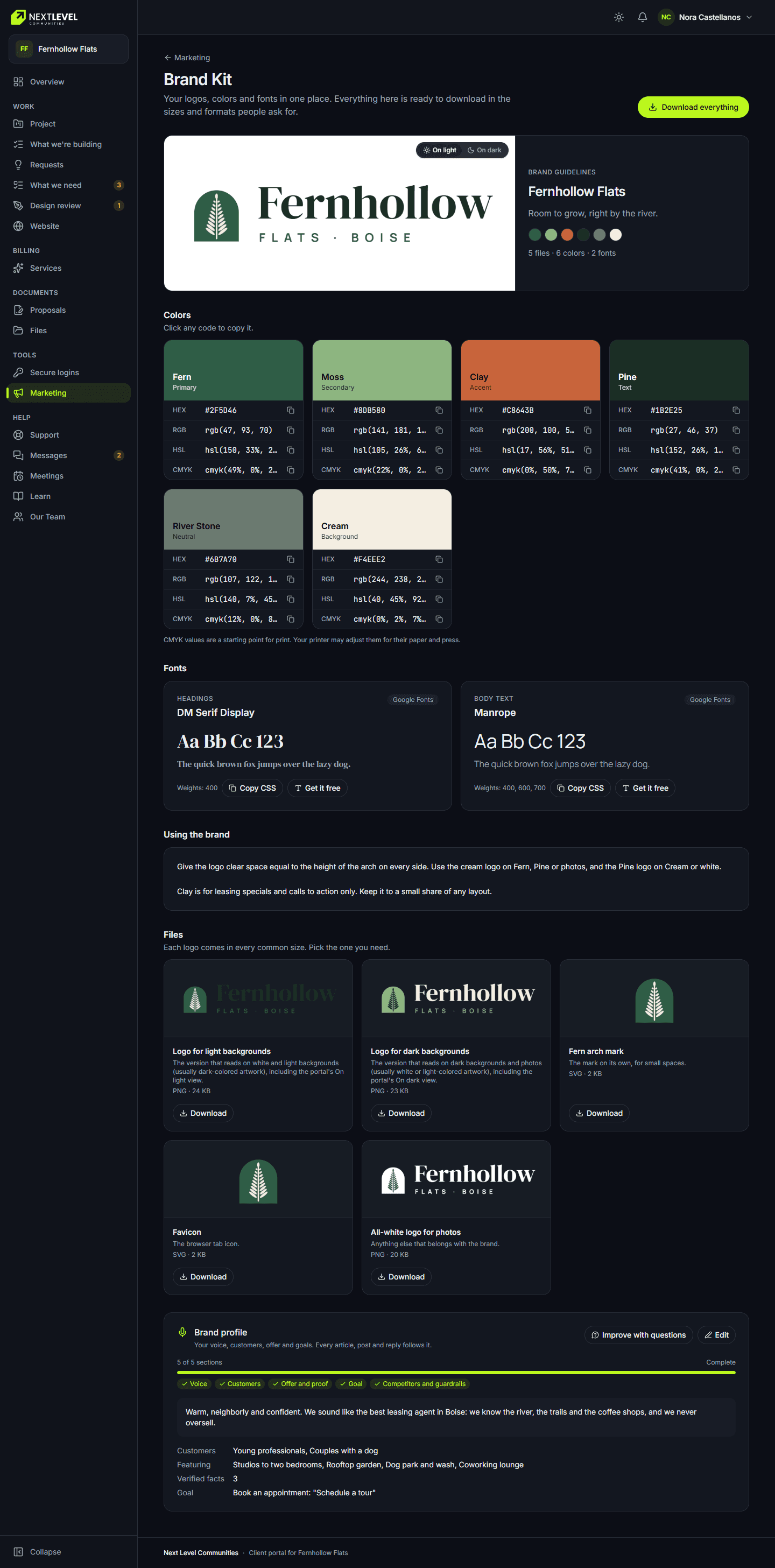
Logos, colors and fonts for every community in a brand kit your team and vendors can download any time.
Results you can show ownership
Website health, traffic, search checks and monthly reports for each community, available whenever someone asks.
Work with a team you can reach directly.
Book a Strategy SessionWhat does the portal look like?
Screens from the live portal, shown with sample community data.
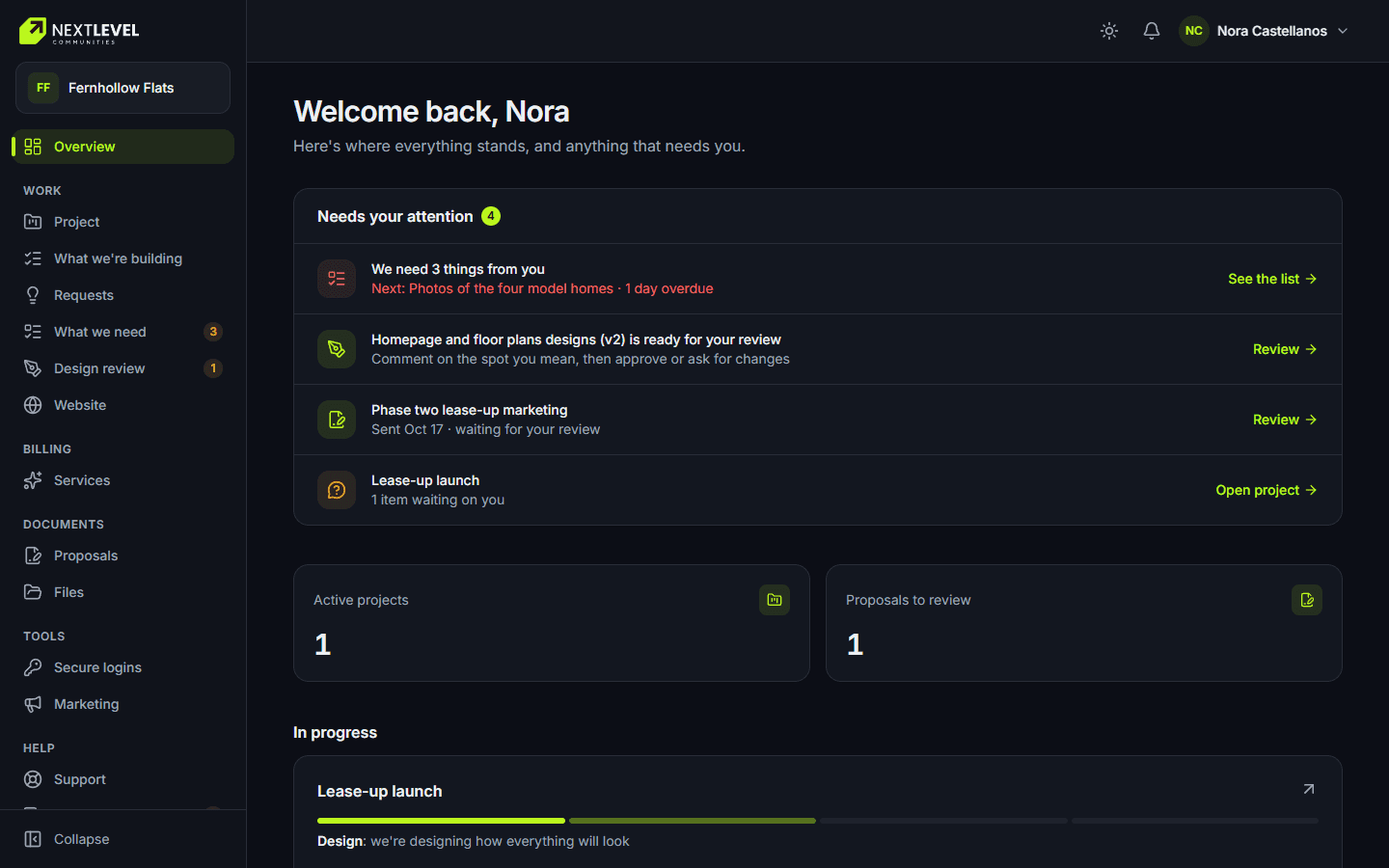
Overview. What needs you, project progress and recent activity. 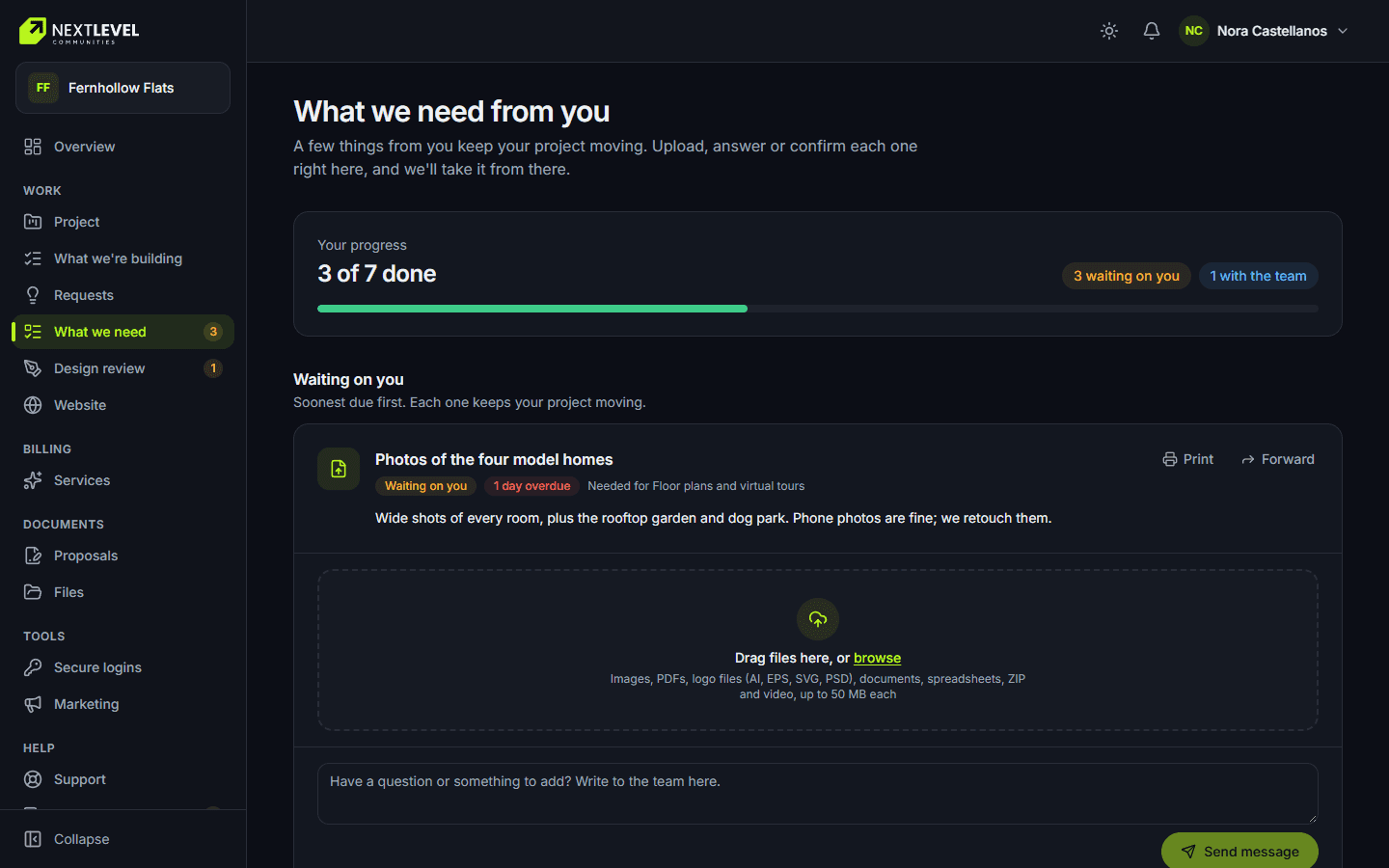
What we need from you. Questions from the team, answered and tracked in one list. 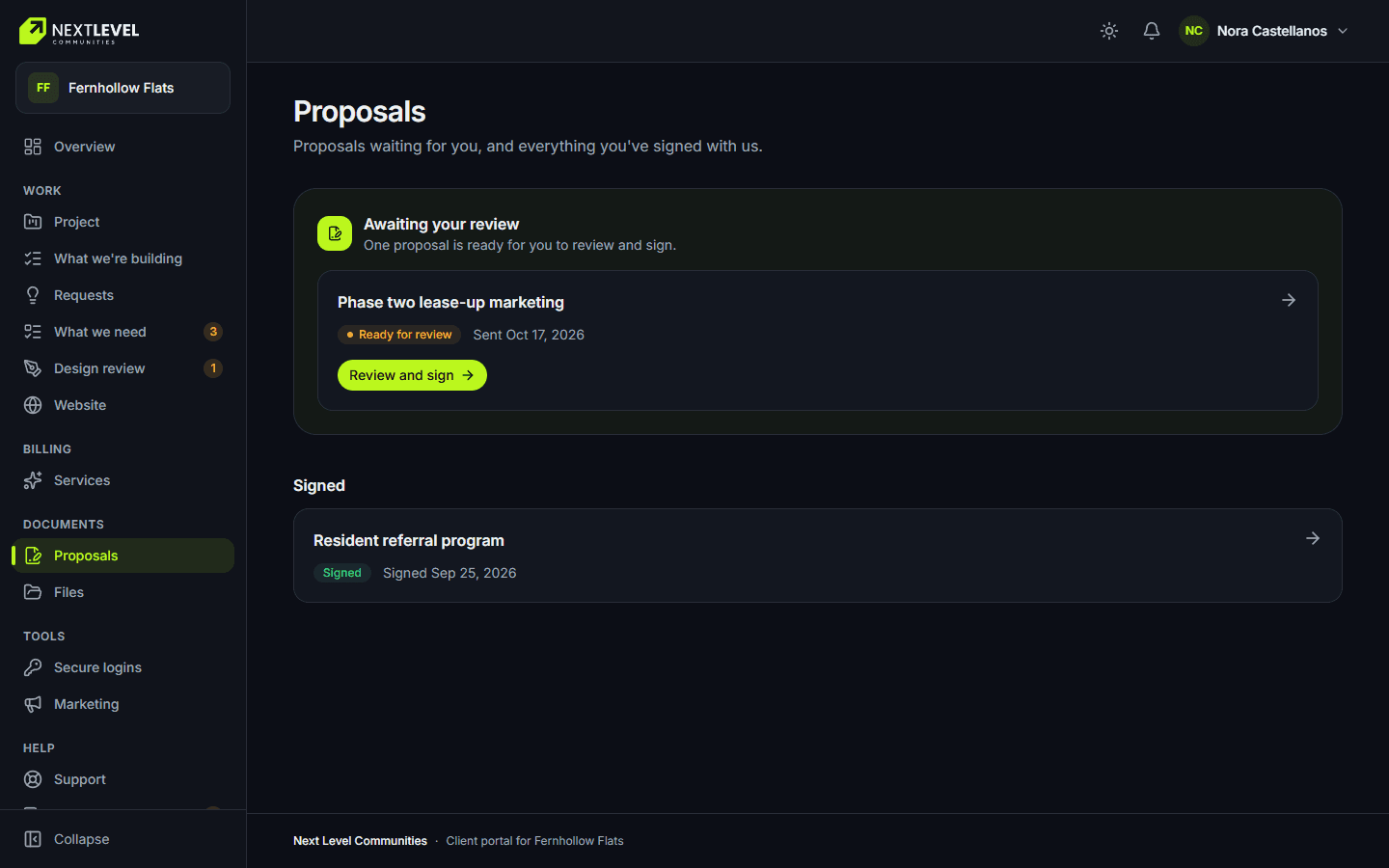
Approvals. Proposals and estimates reviewed and signed in the portal. 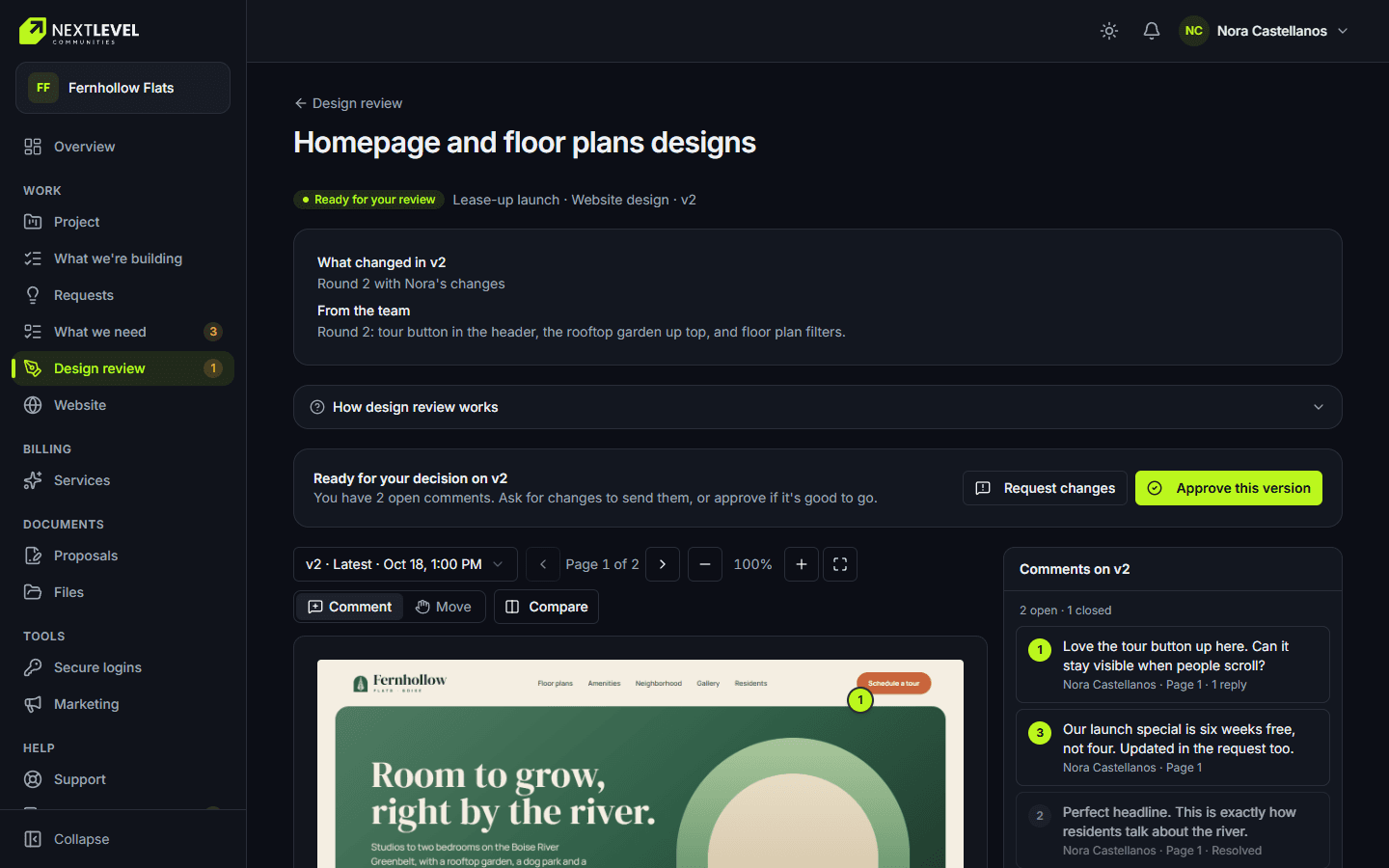
Design review. Pinned comments, approvals and page sign-off. 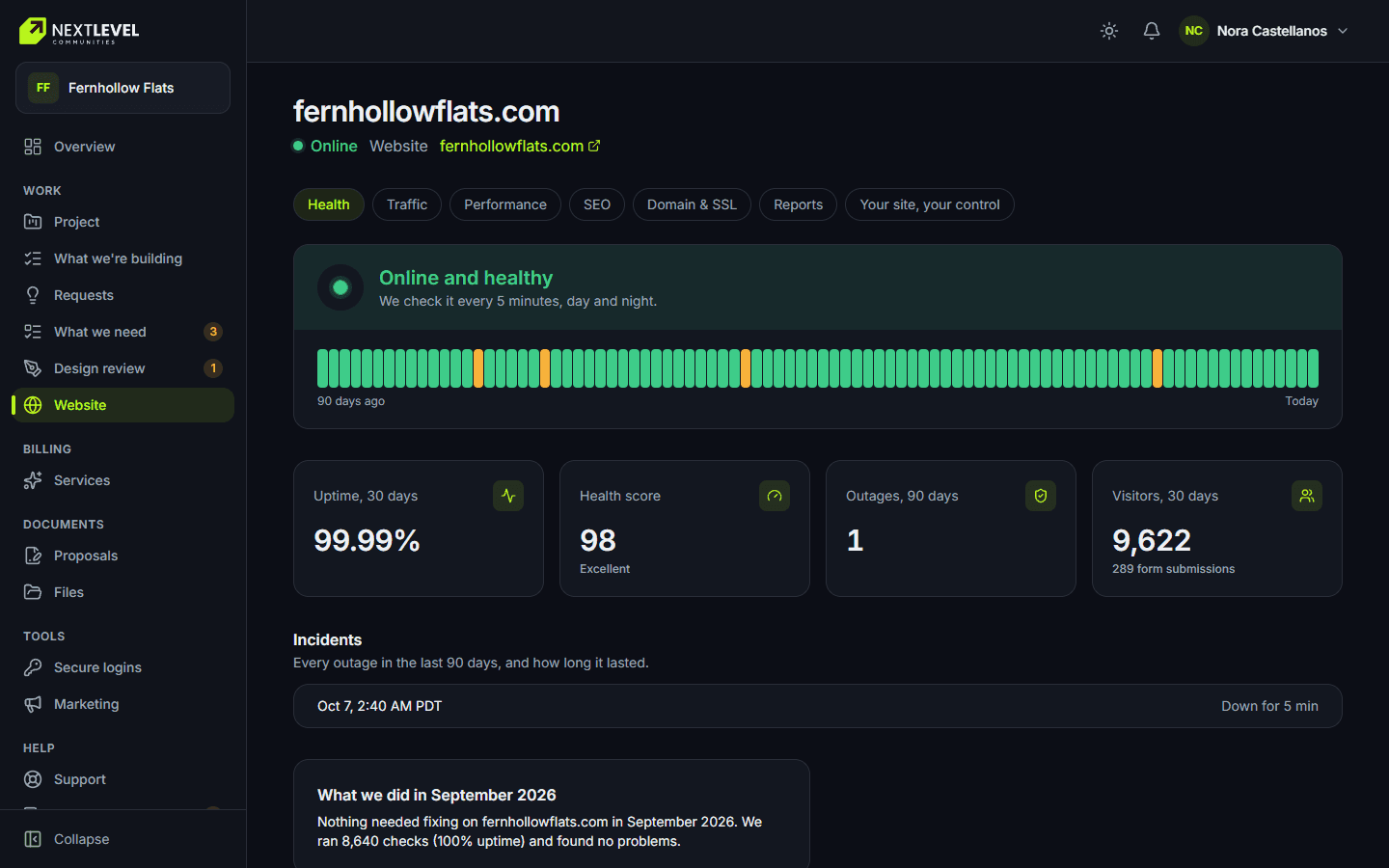
Website hub. Uptime, traffic, performance, search checks and backups. 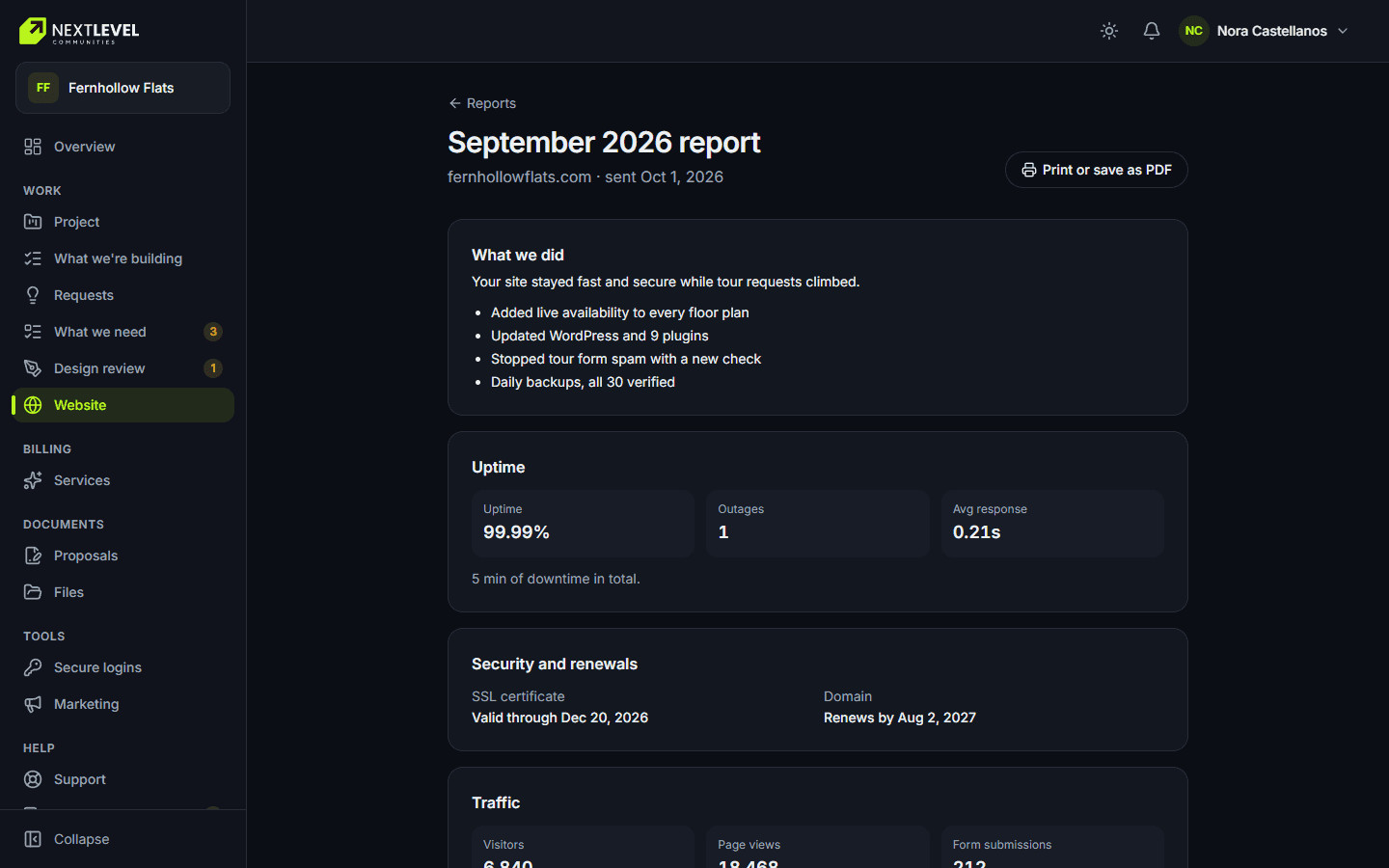
Monthly report. A monthly website report for each community. 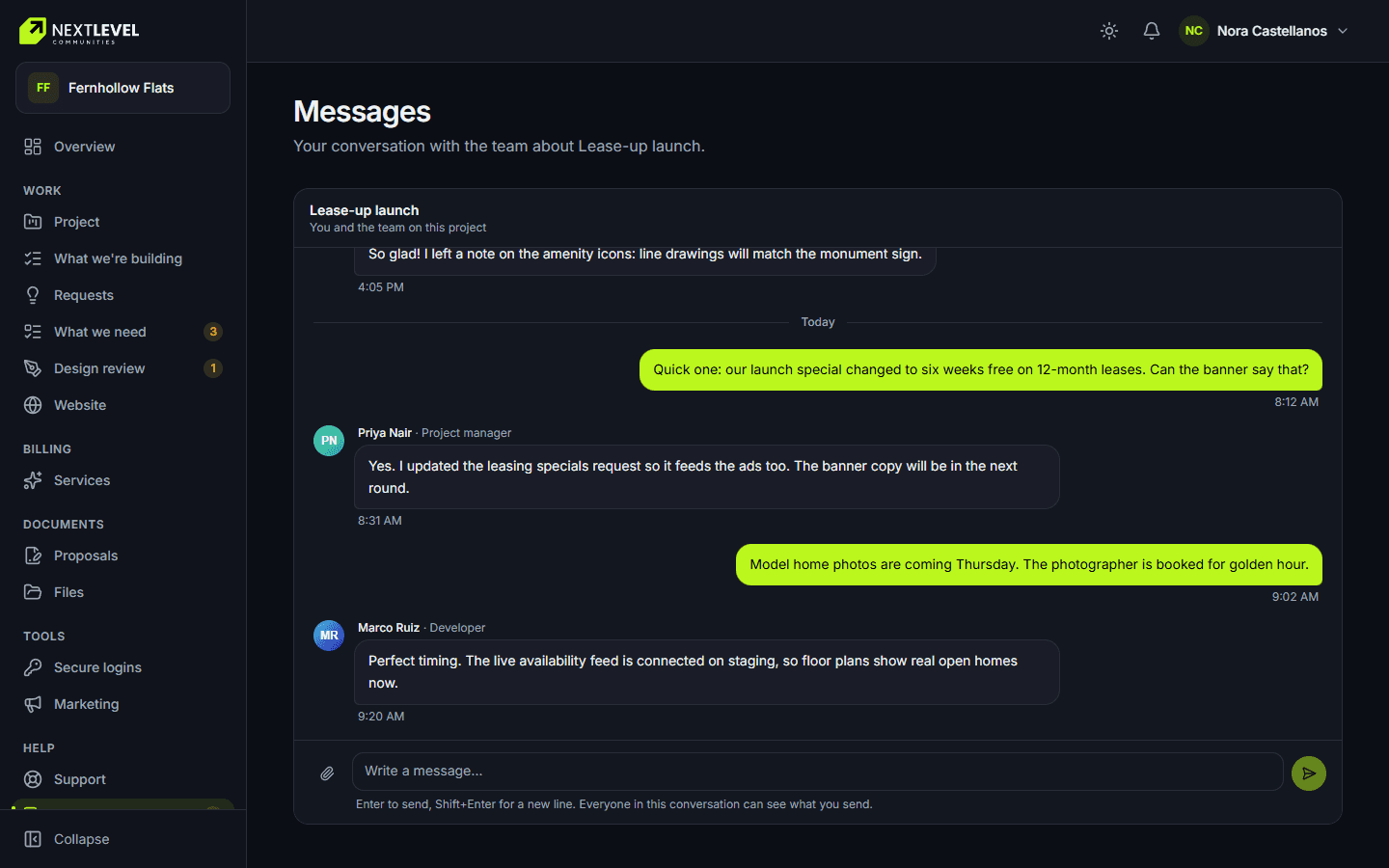
Messages. Your project team on one thread, with files. 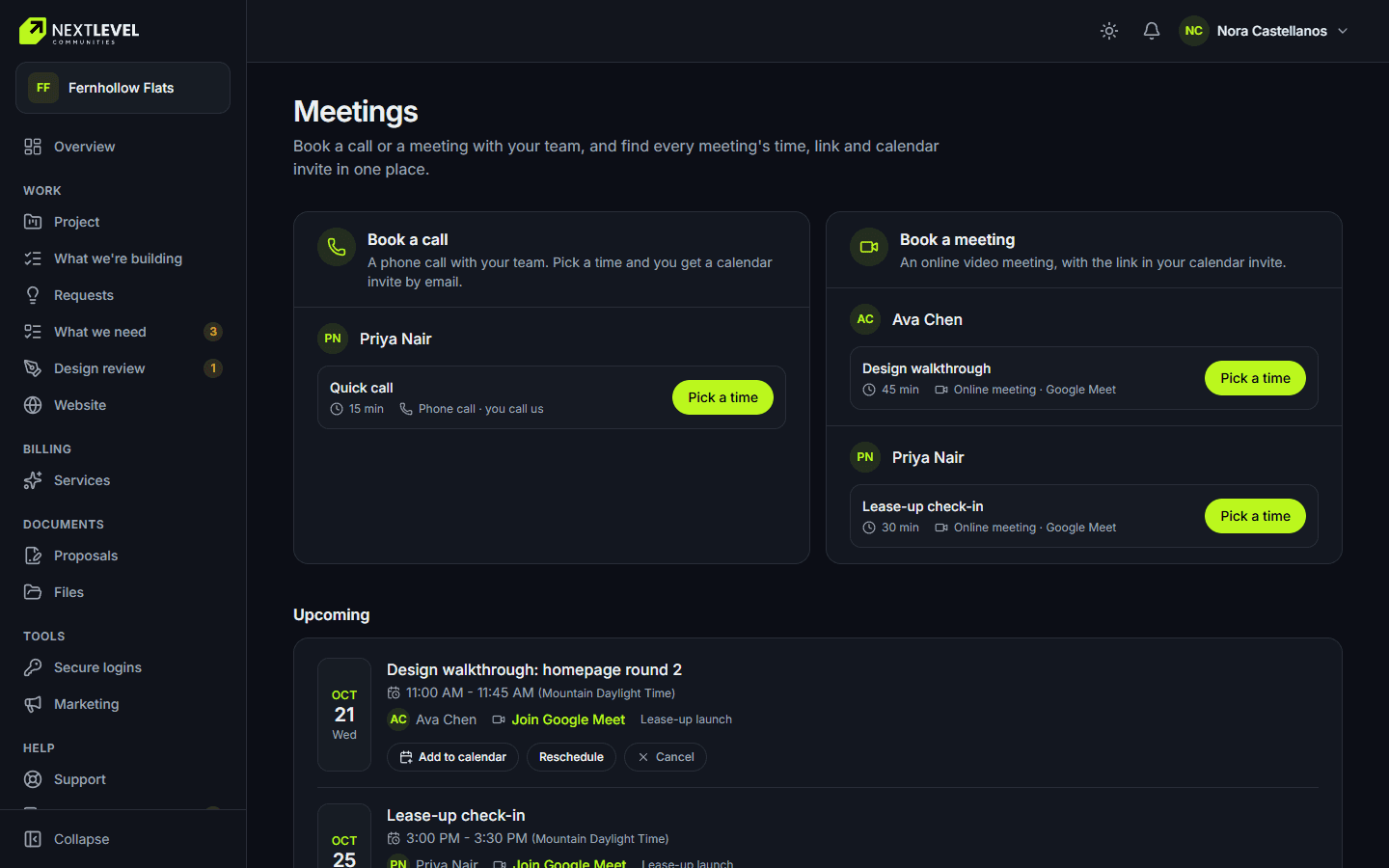
Meetings. Book or reschedule a call without the back-and-forth.
What can you do in the client portal?
Built around how owners, regional managers and on-site teams actually work with their marketing team.
Overview
What needs your attention, project progress, recent activity and the people on your account.
What we need from you
Answer the team’s questions with text, files, links or choices, forward one to a colleague, and keep the conversation in one thread.
Approvals and signatures
Review and sign proposals and estimates, approve designs with pinned comments, and sign off website pages.
Brand kit
View and download logos, colors and fonts, plus branded email signatures and review cards for the leasing office.
Website hub
Uptime, traffic, performance, search checks, domain and backups for each site, with monthly reports and an "ask us to fix this" button.
Messages and meetings
Chat with your project team, share files, and book or reschedule calls without the back-and-forth.
Requests and support
Request new work with files attached, open a support ticket, and follow both to done.
Billing
Invoices, payment by card or bank, receipts, statements and optional autopay, for the people who handle billing.
Every community, one login
Switch between companies and communities you work with us on, without a second account.
How is the portal different from working with a typical agency?
| Compare | Typical agency | NLC client portal |
|---|---|---|
| Project status | Ask your account manager | Live stages and progress, any time |
| Approvals | Email attachments and reply-all | Pinned comments, sign-off and e-signature |
| What the team needs | Scattered across inboxes | One list, answered and tracked |
| Brand files | Hunt for the last zip someone sent | A brand kit you download yourself |
| Reporting | A PDF once a month | Website health and monthly reports on demand |
| Your team | Everyone sees everything, or nothing | Roles for owners, collaborators and observers |
How do clients get started in the portal?
Strategy session
We learn your communities and goals, and scope the engagement.
Invitation
You and your team get invitations, each with the right role: full access, collaborator or observer.
Kickoff in the portal
Your project, team, first questions and milestones are waiting the day you log in.
Work together
Approvals, requests, messages, files and reports run through the portal for the life of the engagement.
It starts with a strategy session.
Book a Strategy SessionClient portal questions
Is the client portal available now?
Yes. Every Next Level Communities client works through the portal today. You get an invitation at kickoff, and the Client Login link at the top of this site takes you to it.
Who on my team can use it?
Anyone you invite. Each person gets a role: full access for the account owner, collaborator for people who answer requests and upload files, and observer for people who only need to see progress. You decide who can sign and approve.
Can I see all of my communities in one place?
Yes. One login can belong to several companies, and you can switch between them. Each project, website and report sits under the community it belongs to.
Do I pay extra for the portal?
No. The portal comes with your engagement. It is how we work with every client, not an add-on.
Is it secure?
Every page checks who you are and what your role allows. Logins you share with us go through an encrypted form and can never be read back, and internal notes and draft invoices never appear in the portal.
Can I see website results in the portal?
Yes. Each site has a hub with uptime, traffic, performance, search checks, domain and backups, plus monthly reports. If a search check fails, you can ask us to fix it from the same screen.
What works alongside this?
Work with a team you can reach.
Start with a strategy session. Your portal invitation arrives at kickoff.
- A working call on your property, not a pitch
- A strategist replies within one business day
- Clear priorities, whether or not you hire us